Troubleshooting
AI not answering correctly If the AI is giving incomplete, incorrect,…
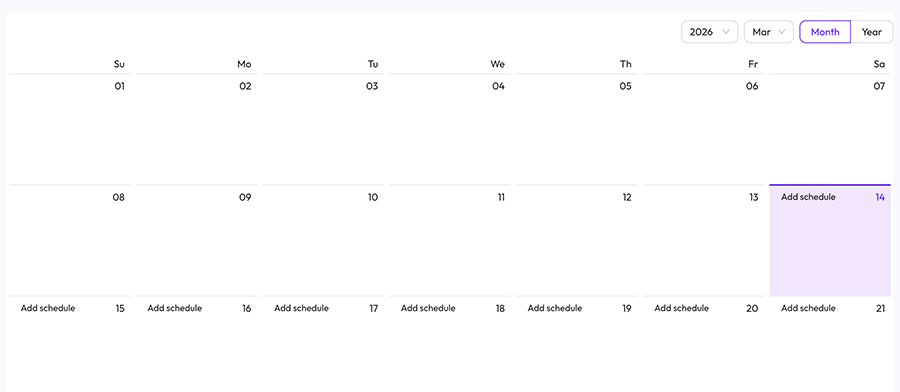
Social Planner includes a calendar view that allows you to see scheduled and planned posts in one place.
The calendar helps you organize your social media strategy and maintain a consistent posting schedule.
You will see all scheduled posts displayed by date.
From the calendar, you can:
• view upcoming posts
• edit scheduled posts
• move posts to a different date
• remove scheduled posts
Using the calendar makes it easier to:
• plan content ahead of time
• avoid posting too frequently
• balance different types of content